Humpty Dumpty Animation
Character design - Motion design - Animation
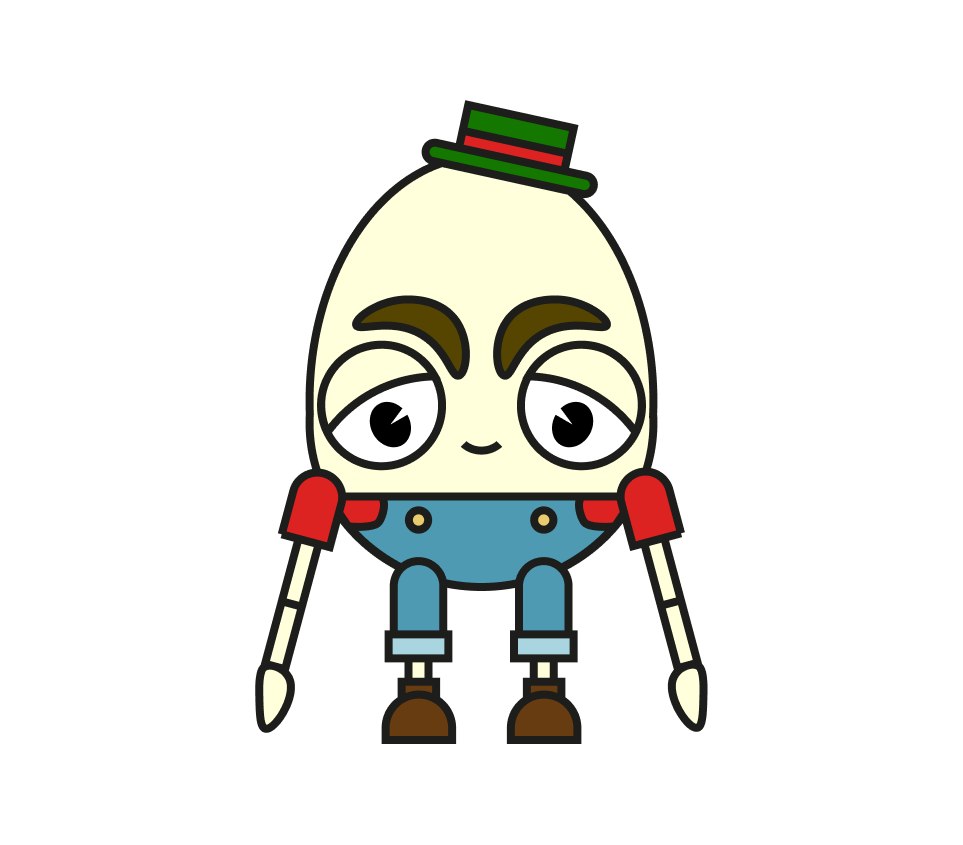
For this project, I created an interactive animation featuring the character Humpty Dumpty.
The goal was to bring the character to life through expressive animation and engaging interactions, encouraging users to explore and interact with the experience.
Throughout the project, I focused on combining storytelling, motion, and playful design while developing my skills in animation and interactive media.
The Concept & Ideation Process
Concept Development
At the start of the project, I explored several ideas for my animation. My first concept was a fairy in a forest, but I realized it would be too challenging for a first animation project because I would need to animate not only the character's body but also detailed wing movements.
My second idea was a character riding a bicycle, performing tricks or cycling through different cities. While I liked the concept, it didn't offer the storytelling element I was looking for.
While sketching different shapes, I drew an egg, which immediately reminded me of Humpty Dumpty. Since the character already has a well-known story, it gave me a strong narrative to build upon. This made Humpty Dumpty the perfect choice for my interactive animation.
The 3 Moods/Scenes
Software Choice
Before starting the project, I experimented with different animation tools. I followed several Adobe After Effects tutorials and also explored the possibilities of Jitter.
In the end, I decided to create the entire animation in Figma. Since I want to develop myself as a web designer, improving my Figma skills was just as important as learning animation. This project allowed me to combine both goals while staying within software I use regularly.
Egg-Shaped Buttons
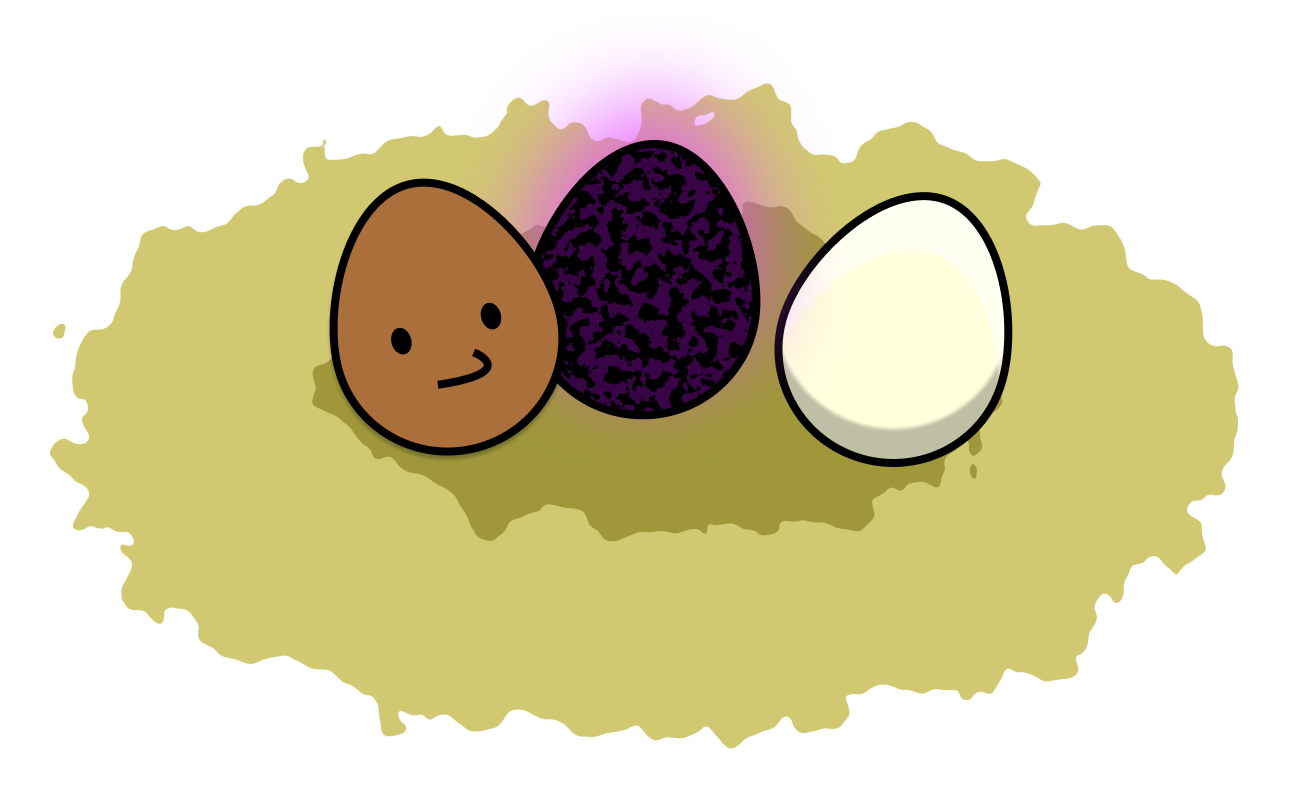
To match the Humpty Dumpty theme, I designed the navigation buttons as eggs placed together inside a bird's nest. This grouping reinforces the visual theme while keeping the interface playful and easy to understand.
Each egg represents one of the three animation scenes.
Greeting in the Sun: A smiling brown egg that glows with a warm yellow light when hovered over.
Horror Scene: A dark purple dragon egg surrounded by a mysterious purple glow. On hover, it lights up with a bright pink effect.
Broken Egg: An egg using Humpty Dumpty's color palette. Small cracks slowly appear, and on hover the top opens slightly to reveal the yolk inside.
The Animation
Scene 1 – Greeting in the Sun
The animation begins with Humpty Dumpty sitting on a wall while the sun rises above him. As the sunlight shines on him, he smiles and waves at the viewer. This scene serves as a cheerful introduction to the character.
Scene 2 – Horror Close-up
The second scene changes the atmosphere completely. Inspired by The Scream, the camera quickly zooms in while Humpty takes on a screaming pose, creating a playful jump scare. I wanted to emphasize that the character can look slightly creepy despite his friendly appearance.
Scene 3 – The Fall
The final scene follows the original nursery rhyme. Humpty falls from the wall, spins rapidly through the air, crashes onto the ground, and his eggshell breaks open. A cracking sound effect is played before the egg yolk splashes toward the screen and slowly drips down to create a smooth transition.
Sound Design
All sound effects were sourced from Pixabay. I enjoyed selecting sounds that strengthened the storytelling and made the interactions feel more engaging.
Hovering over buttons, clicking, character movements, and larger actions all have accompanying cartoon-style sound effects. These sounds help emphasize important moments and make the experience feel more playful and interactive.